Lover
Lover
Location privacy includes more than a phone setting. A photo background, the timing of a story, a café name, and a repeated route can reveal where you spend time. Keep a profile vivid while making your home, workplace, and routine difficult to map.
How a routine becomes visible
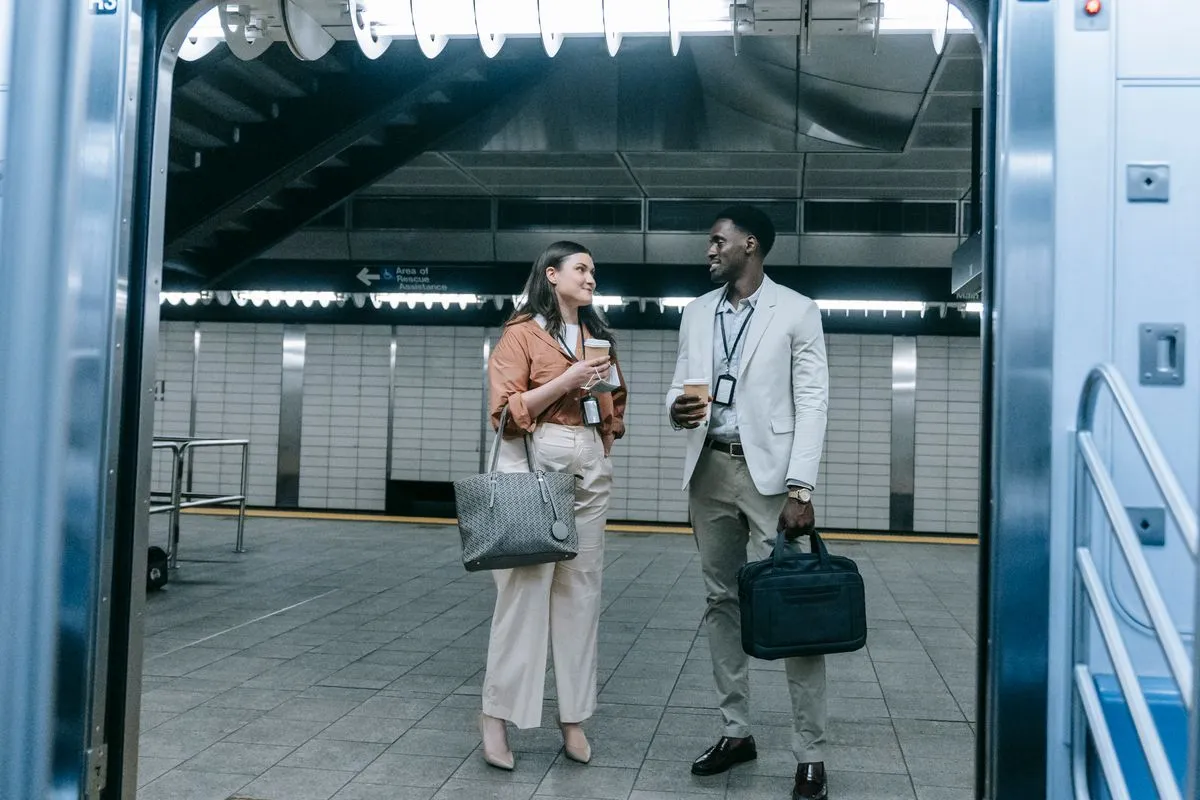
A single photo outside a recognizable building may not matter. A series of photos from the same street, gym, station, and coffee shop can reveal where you spend mornings and which route takes you home. Stories posted live make the clue more useful because they connect a place with your current presence. The risk is not that every viewer is dangerous; it is that you cannot know every viewer or screenshot.
Dating conversations create additional clues. Saying “I finish at the clinic at seven, then take the blue line home” may feel like ordinary context, but it gives a stranger a schedule. Mentioning that you live alone, travel every Tuesday, or are away for the weekend can expose availability. You can share the shape of your life without publishing the coordinates.
Geolocation privacy is also about other people. Ask before posting a friend’s home, a partner’s workplace, or a group photo with a visible address. Your safety habits should not make somebody else traceable.
- Post after leaving rather than while you are there.
- Use broad areas instead of exact pins.
- Check reflections, signs, badges, and mail for clues.
- Review who can see stories and location tags.
Four places location leaks hide
Images
Background details
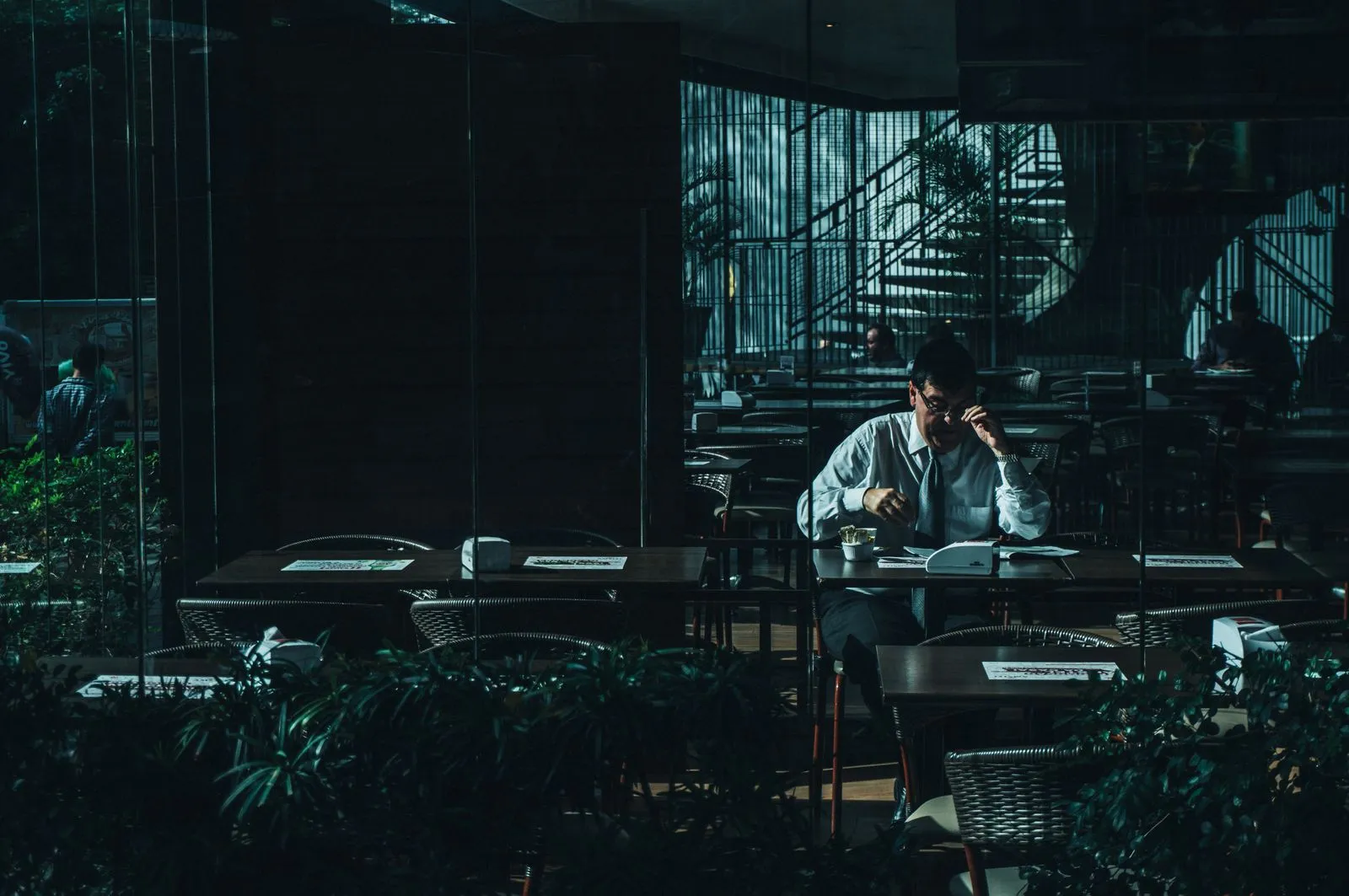
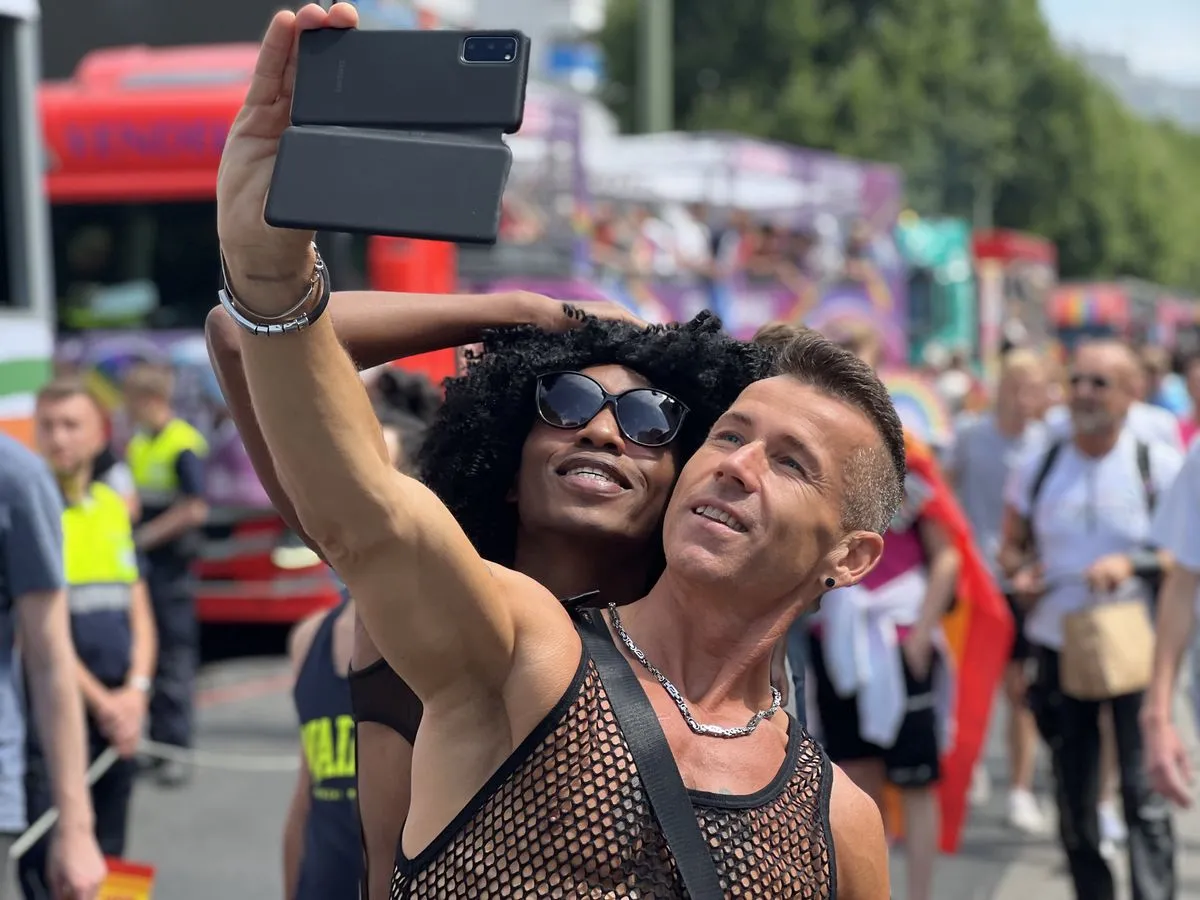
Street signs, transit maps, house numbers, school logos, storefronts, and reflections can identify a place even when the caption is vague.
Timing
Live posting
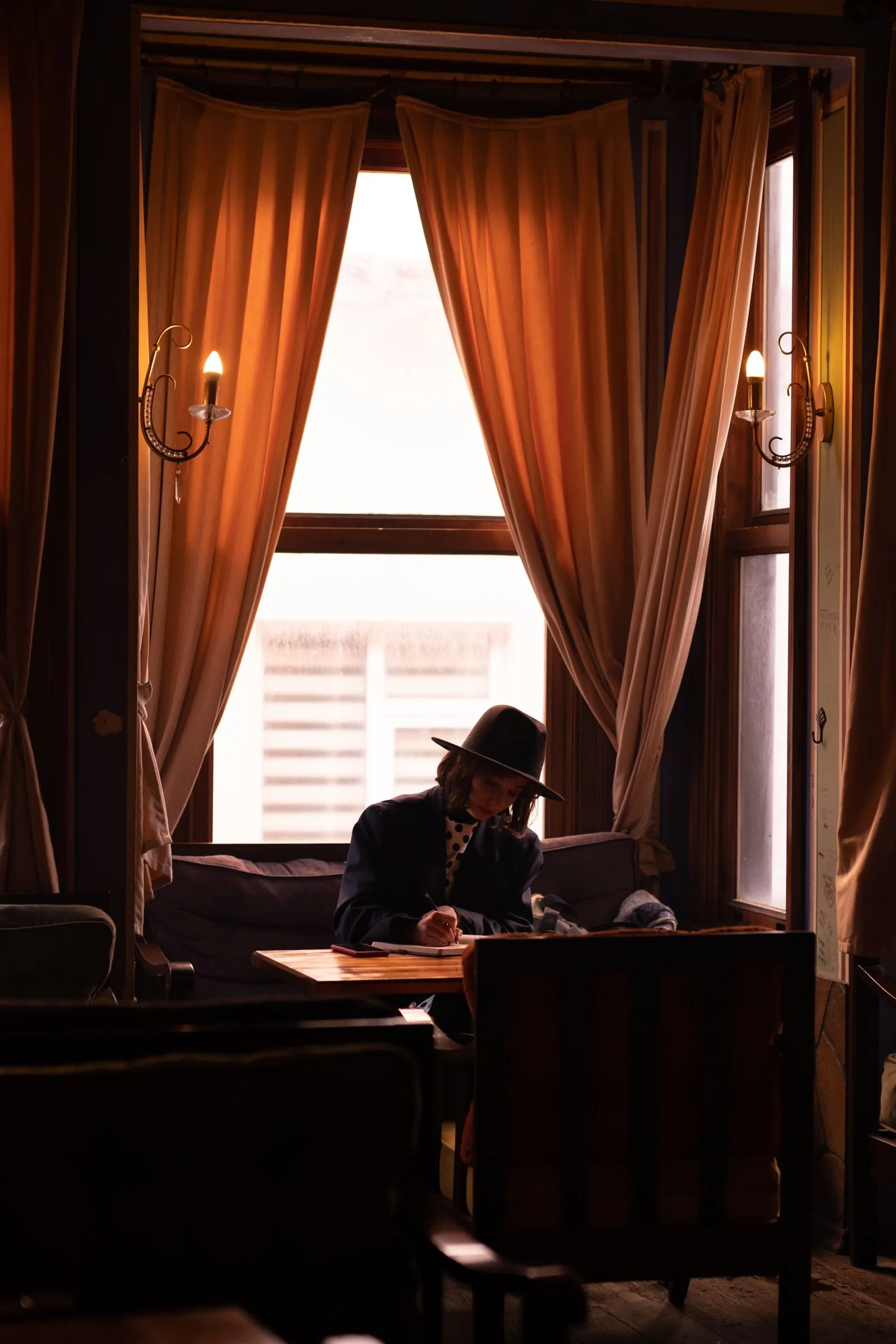
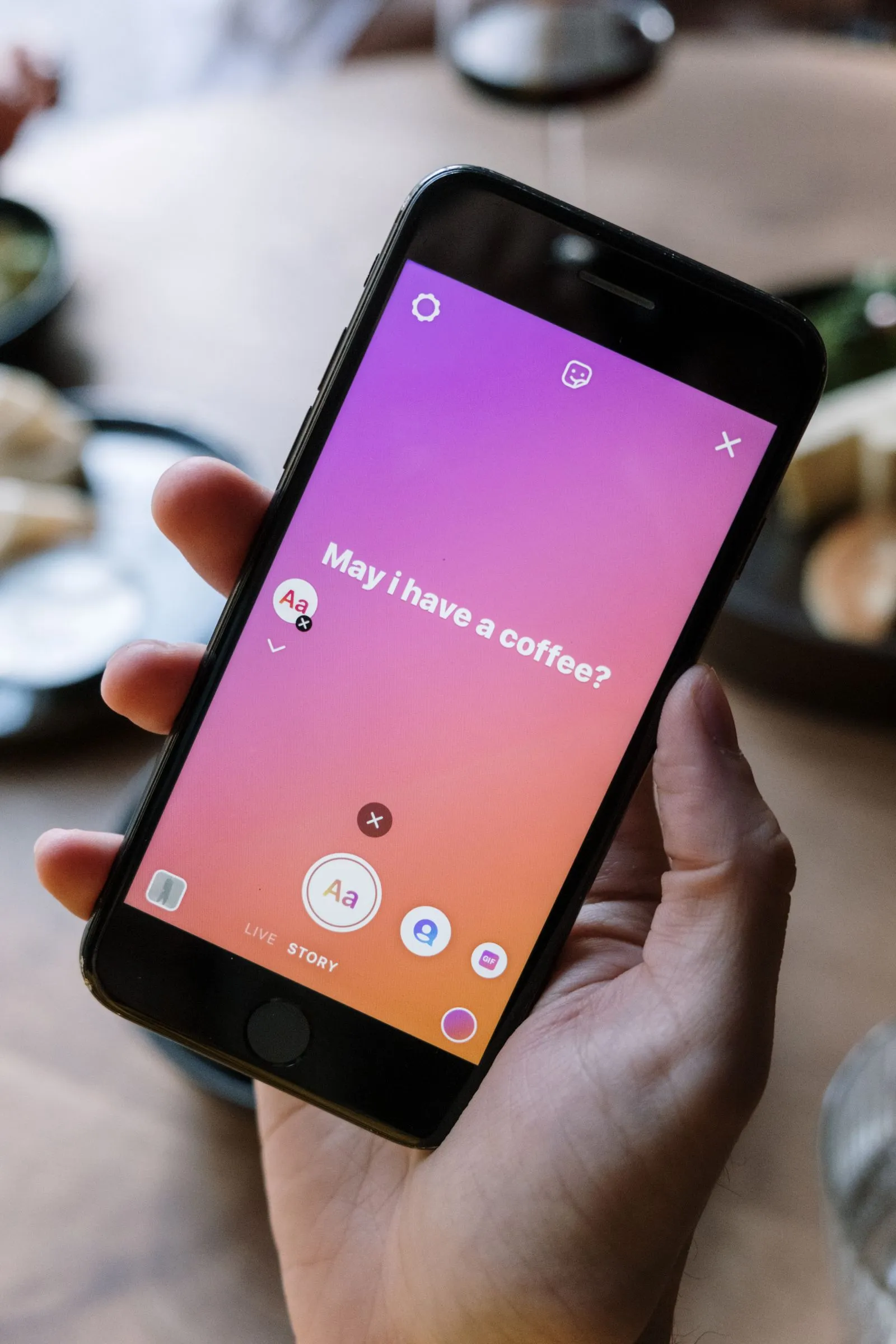
A story from the place you are currently sitting tells someone when and where to find you. Delay it until you have left.
Apps
Automatic tags
Review location permissions and metadata settings in your camera, social apps, and dating profile. Choose the least access that still works.
Conversation
Predictable routine
Exact shifts, routes, and weekly rituals can be more revealing than one geotagged photo.
A quick privacy review before a date
Scan your public profile
Look for repeated venues, street views, apartment interiors, name badges, and clues about when you are usually alone.
Turn off unnecessary location access
Use device settings to restrict apps that do not need location. Recheck after app updates.
Choose a neutral meeting area
Meet somewhere public that is not directly beside your home or workplace. Do not let the first date reveal your daily route.
Control the journey home
Use your own transport or a plan you can change. Do not rely on a new person for a ride to your address.
Tell a trusted person the plan
Share the venue and expected timing, not a public post that announces your location to everyone.
Make photos warm without making them traceable
You do not need to remove every real place from your profile. A recognizable activity or neighborhood can make a bio inviting. The useful distinction is between context and coordinates. “I love quiet bookshops and Sunday markets” gives someone an opening. A photo with the exact street, regular time, and view from your front door gives too much.
Before uploading, crop or blur identifying details when necessary. Check the image at full size, including corners and reflections. If the photo is from a home, avoid visible mail, keys, documents, building entrances, or unique windows. A casual image can contain more information than its caption.
Consider a delay. Posting a place after you leave preserves the memory and removes the immediate invitation. This is particularly useful for travel, nightlife, and events where a stranger could otherwise find you in a crowd.
Phone and app controls differ by operating system. Use current privacy settings from the device and service you actually use; do not assume a profile setting disables every location signal.
Specific enough to connect, private enough to stay free
Useful context
- “I am new to the west side”
- “I like daytime walks and small cinemas”
- “I work in healthcare”
- “I usually prefer a quiet first date”
Too much too soon
- Exact building or apartment entrance
- Live story from your regular café
- Employer floor and shift pattern
- A route that ends at your home
When someone wants your exact location
A new match may ask where you live because they want to plan a convenient date. You can answer with a public landmark or broad area: “I am near the central station; let’s meet at the café inside the library.” You do not need to give an address, send a live location, or explain why privacy matters.
If somebody insists on picking you up, asks for a photo from your window, or becomes angry when you keep the meeting public, treat that as a meaningful boundary problem. The issue is not whether their explanation could be innocent. The issue is that your no should be enough.
You can cancel, block, and report if the person continues. Safety is not improved by providing the exact detail that makes you uncomfortable.
Share a place without sharing your pattern
There is a useful middle ground between naming no places at all and publishing your routine. Talk about kinds of places rather than the exact branch: independent cinemas, riverside walks, neighborhood markets, or cafés near a central station. This gives a match something to respond to and helps you plan a date without revealing where you sleep or work.
When you do name a venue, choose one you visit occasionally rather than the place you use every morning. Meet at a nearby public landmark and decide the final table together. Do not send a live pin simply because the app makes it convenient. A landmark is enough for a person who is trying to meet you; an exact location is not a test of trust.
Review old posts as well as current ones. A forgotten photo can show the entrance to your building, a regular class, or the view from a bedroom. You do not have to delete your history, but you can limit its audience and remove clues that no longer feel appropriate for strangers.
If a date ends badly, adjust the next plan so the person cannot easily predict where to find you. Change the route, meet farther from home, and ask a friend to accompany you part of the way if that makes you feel safer.
Privacy is especially important when a profile includes children, vulnerable relatives, or a workplace with public-facing duties. Protecting their location is part of protecting your own.
Simple sentences that protect your location
Area
“I am near the center”
Give a broad area and suggest a public landmark. You do not need to name your street or building.
Pickup
“I meet people at the venue”
Keep your arrival independent. A person who respects you will not need your address to make the date work.
Live pin
“I do not share live location”
Offer the venue name or a meeting point instead. Your privacy setting does not require a long defense.
Routine
“My schedule changes”
Talk about availability without listing the times you are alone, commuting, or away from home.
If someone already knows where you live
Do not invite the person inside simply because they know the address. Tell a trusted person what happened, change the route you use for a while, and consider asking building staff or neighbors to be attentive if the contact becomes persistent. Save messages that show how the location was obtained or used.
If somebody appears at your home, follows you, threatens you, or refuses to leave, move to a safer place and contact local emergency or support services. You do not have to open the door or negotiate in person.
Reset the clues when your situation changes
A move, breakup, new job, or change in custody can make an old profile suddenly more revealing. Update the city and remove the details that belonged to a previous routine. Do not leave an old workplace, former neighborhood, or favorite route in place simply because it once made the profile feel specific.
Review shared albums and tagged photos after a relationship ends. A former partner may know where you live, but a new match does not need to inherit that access through an old public post. Ask friends to remove tags or hide images that show your home and regular places.
If you use a location-sharing feature with close contacts, audit the list. Dating, social, and map apps may each have a different sharing setting. Turn off access you no longer need and check whether a live session is still active on another device.
For a first meeting, a public venue near a transit hub is usually more useful than an exact pin. It gives both people a clear place to arrive without requiring either person to reveal a private address.
Your digital footprint does not need to be perfect. The goal is to remove the clues that combine into a predictable pattern and keep future sharing intentional.
A two-minute location audit
Photo
What is visible behind me?
Check signs, reflections, windows, documents, uniforms, and building entrances before posting.
Timing
Am I still there?
Delay stories and posts until you have left the place.
Audience
Who can see this?
Use private audiences and review followers you no longer recognize.
Pattern
What repeats?
Several harmless clues can reveal a home, route, or schedule together.
Check every channel that carries a location clue
Start with the dating app. Review whether it shows distance, neighborhood, last active time, or a map pin. Turn off precise location if the service allows it, and avoid assuming that hiding your distance also hides the area where you usually connect. A broad city label can be enough for discovery without making a home searchable.
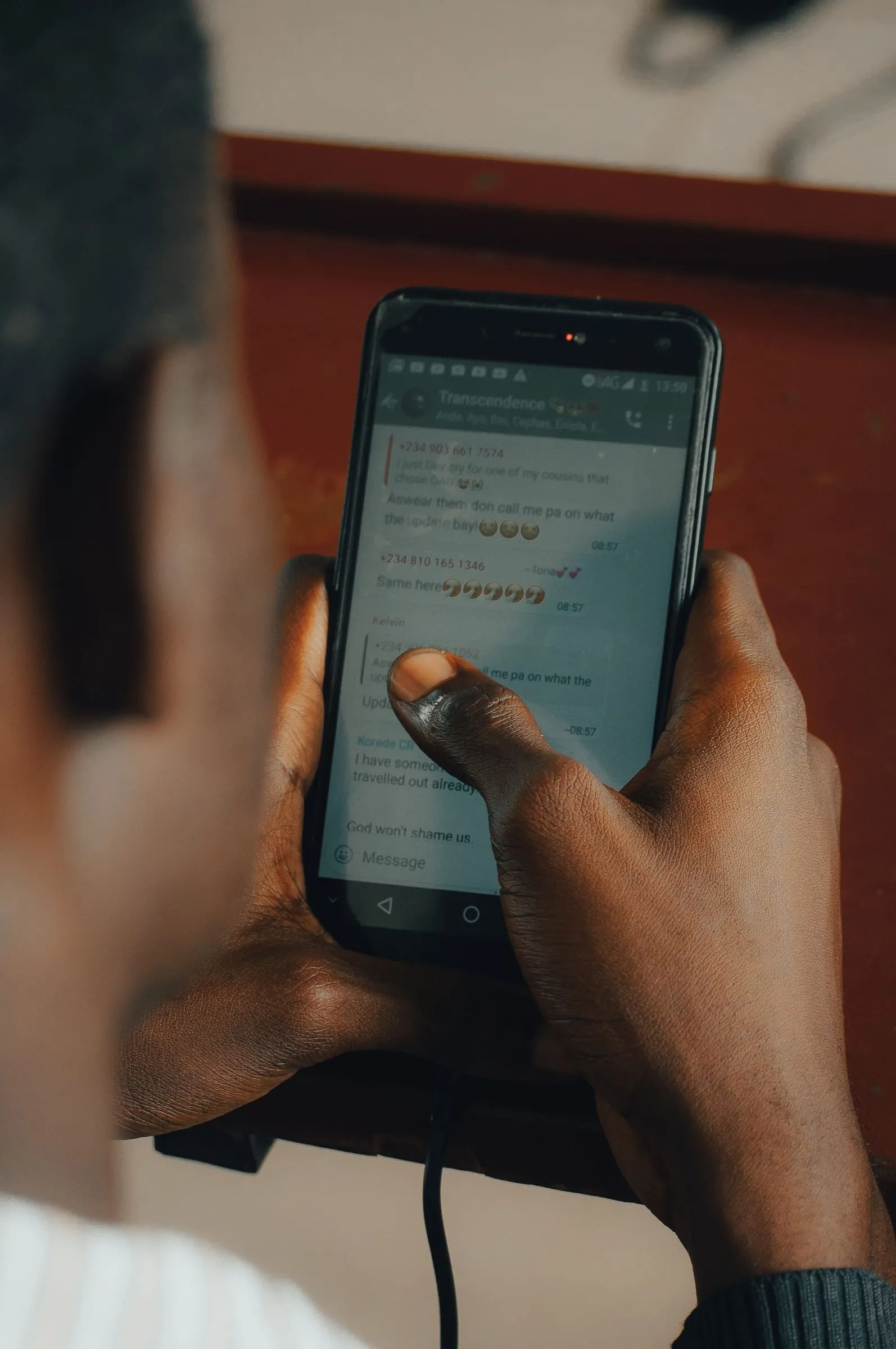
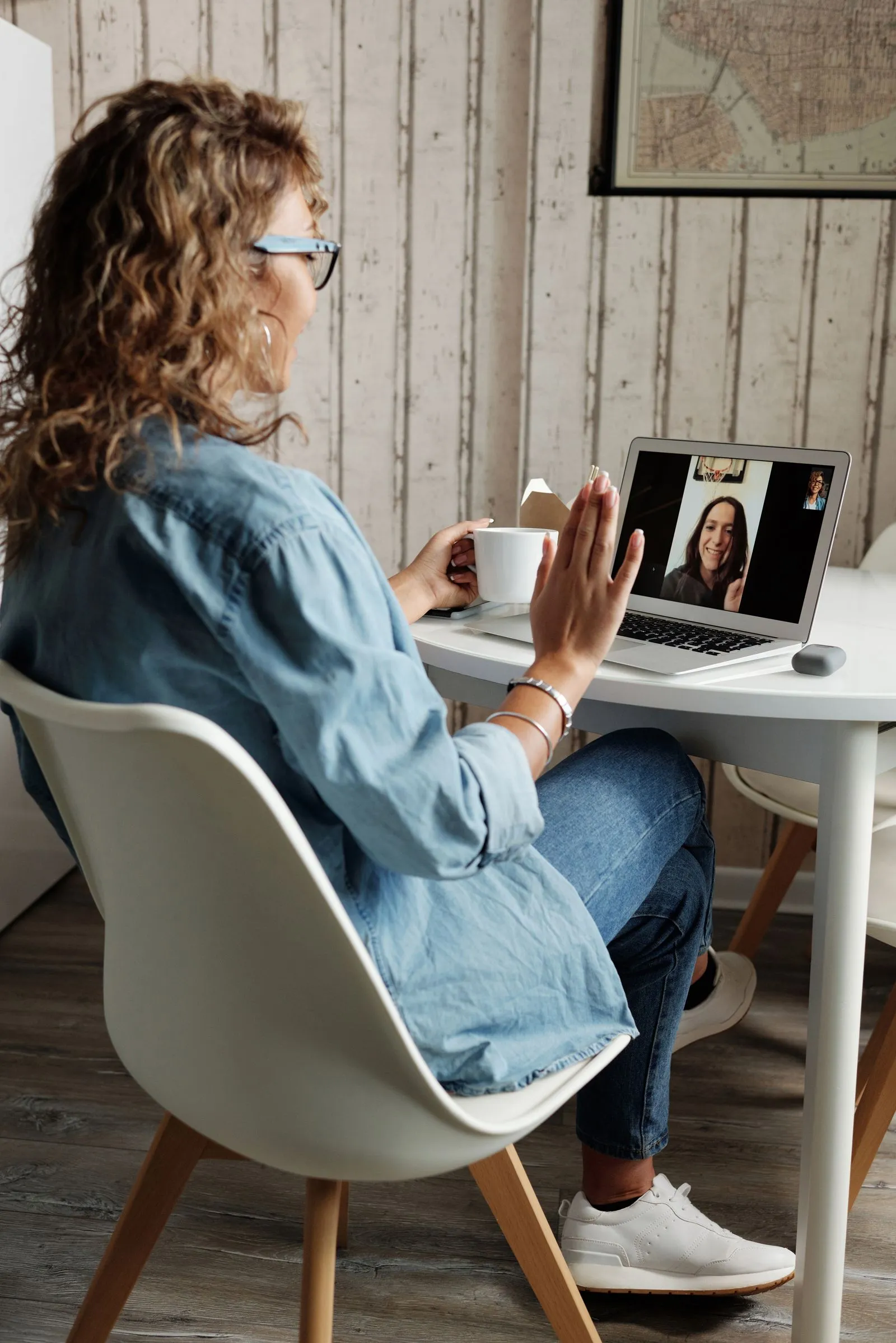
Then review the messenger or social account you might share. Phone-number discovery, profile photos, mutual contacts, tagged venues, and old stories can reveal more than the original dating profile. Use a username or restricted audience when it fits, and keep your main account private while the connection is new.
Look at your camera and map apps as well. Remove unnecessary location permissions, check which apps can access your photos, and delete shared live-location sessions you no longer need. If a friend once had access to your trip or route, revoke it after the event.
Before posting a date or event, wait until you are away. Do not upload a recognizable table, ticket, hotel key, or street view while a stranger knows you are there. Even a harmless “guess where I am” story can turn a private outing into a public invitation.
For a first meeting, give your trusted contact the exact venue while giving the match only the meeting point. This keeps the information useful for support without creating a public trail.
After a move or breakup, repeat the audit. Old location clues are easy to overlook because they still feel like memories, but a new person may read them as an itinerary.
Location questions for each service
Dating app
Does it show distance?
Use broad location settings and avoid live updates when possible.
Messenger
Can contacts find me?
Review phone-number discovery, profile visibility, and last-seen settings.
Social
Are old tags public?
Hide or remove posts that reveal your home, workplace, or repeated route.
Maps
Who can track me?
End shared trips and live-location links after they are no longer needed.
Questions about geolocation
Should I remove my city from my profile?
A broad city can help people connect. Avoid an exact address, building, or routine, and use your judgment about how identifiable your area is.
Are metadata and EXIF data dangerous?
Some files can contain location or device information, but the larger risk is often visible context and live posting. Review both file settings and what the image shows.
What if I already shared my location?
Stop live sharing, review the audience, delete or restrict the post where possible, and change future meeting plans if the person now knows your address.
Privacy lets you choose when someone gets a closer view of your life. Keep that choice yours.