Lover
Lover
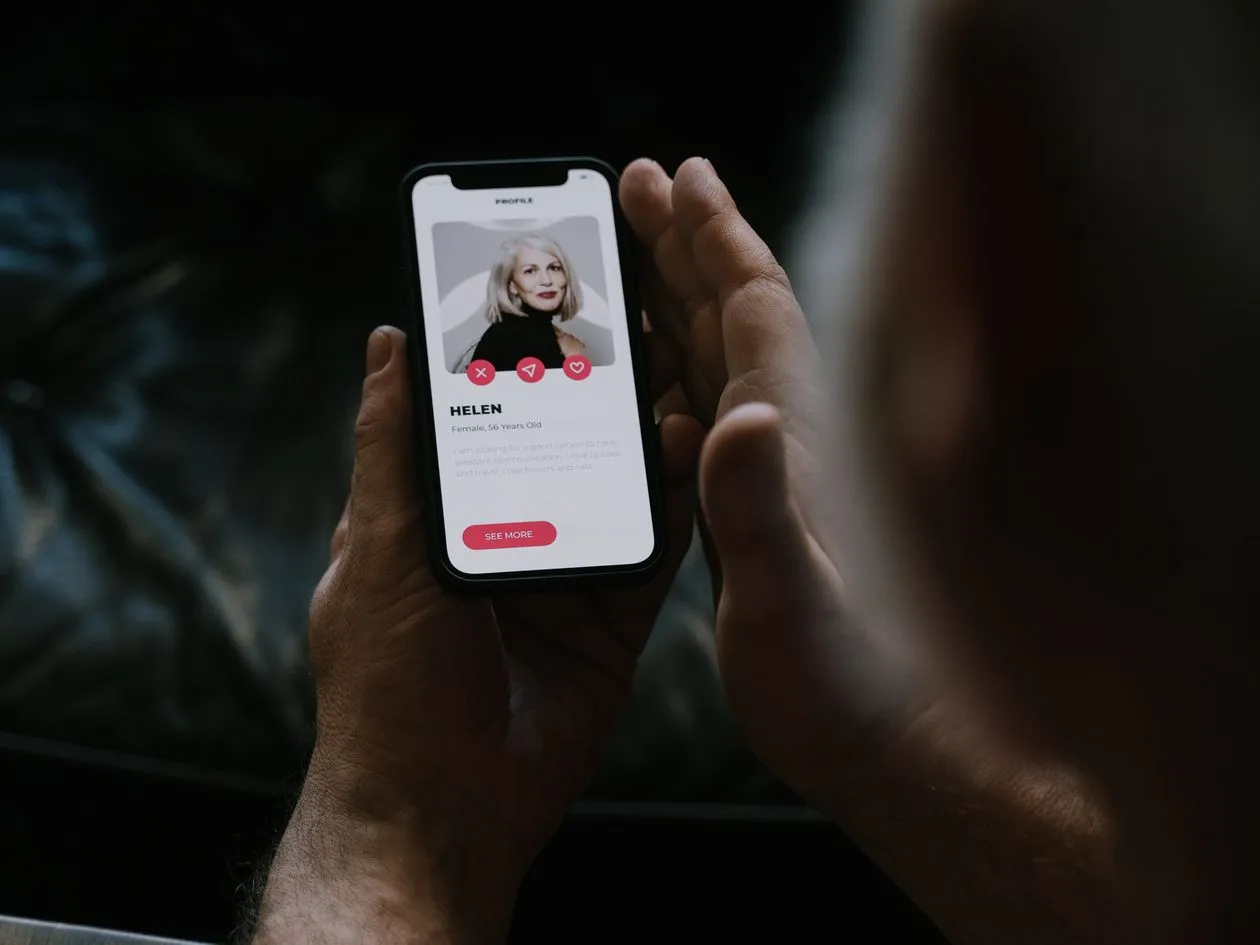
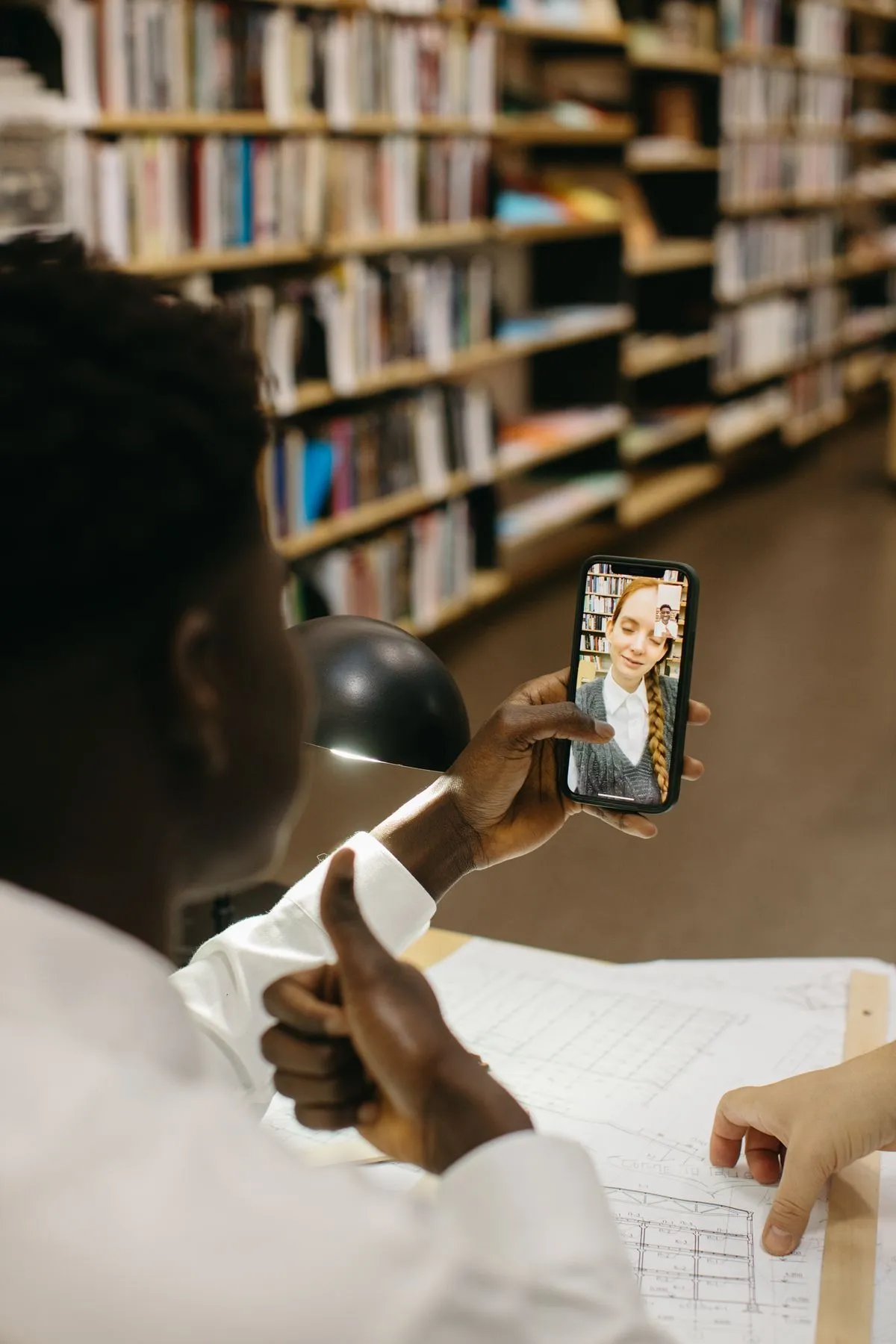
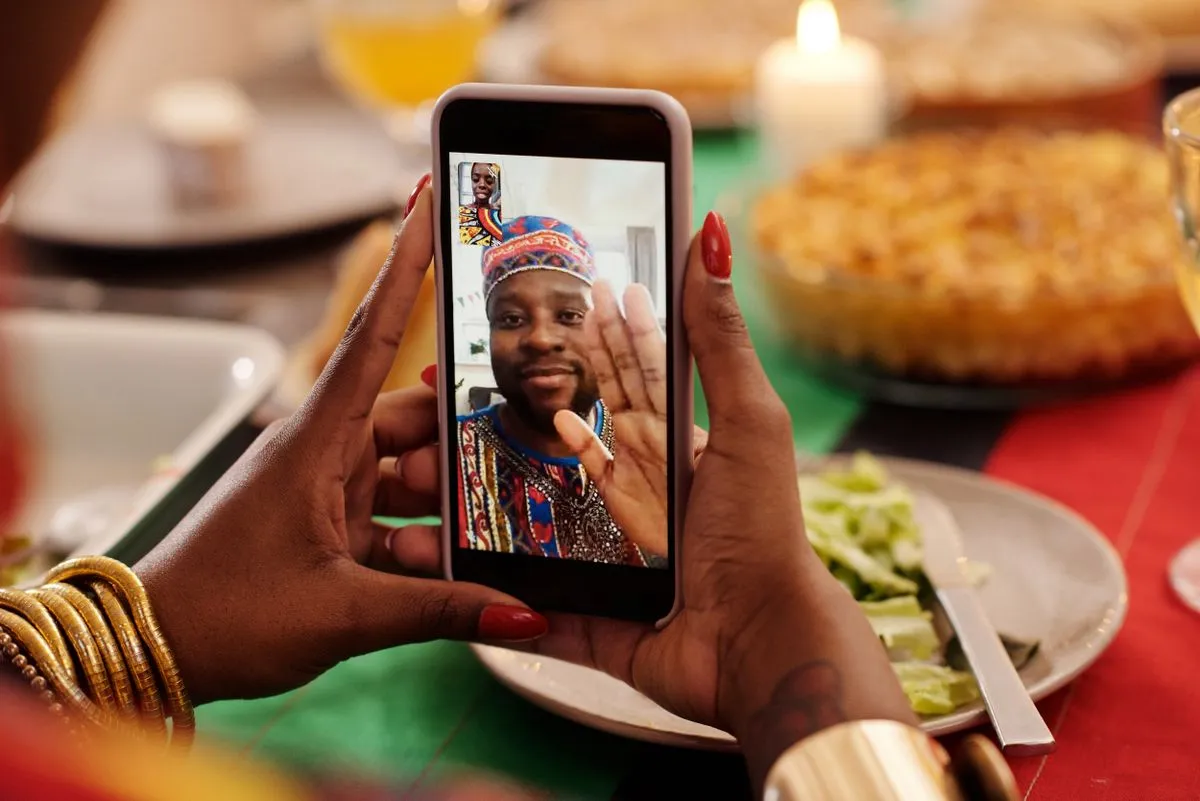
Moving from a dating app to a messenger can make conversation easier. It may also expose your phone number, profile photo, contacts, or last-seen status and removes some app reporting tools. Switch when the connection has earned a little trust and you can control the channel.
What changes when you leave the app
Dating apps provide a boundary around an early conversation. You can often block or report a profile, limit what is visible, and keep your main number private. A messenger may reveal a phone number, mutual contacts, a real name, old photos, or a wider social network. The person may also be able to contact you after you unmatch. These are not automatic dangers, but they are real changes in access.
Moving too early can also make the connection feel more committed than it is. A private chat that continues all day may accelerate intimacy before you have seen how the person handles a slower reply or a clear no. Keep the pace of the relationship separate from the convenience of the app.
You can stay in the app longer, use a secondary account, or suggest a short call through a service that does not reveal your number. The right choice depends on your privacy needs, local context, and how the other person has behaved.
Green lights and yellow lights
Reasonable time to consider it
- The conversation is consistent and reciprocal
- They accept your pace and privacy limits
- You know what channel information will be visible
- You can return to the app or block if needed
Pause or stay in-app
- They insist on leaving immediately
- They want a secret or disappearing channel
- They ask for your number after you decline
- The move is connected to money, links, or sexual pressure
A safer way to move channels
Ask what will be visible
Check whether the messenger reveals your number, profile photo, username, contacts, or online status. Adjust settings first.
Choose the least revealing option
A username-based account or secondary number may protect your main identity. Do not create a fake identity; simply limit unnecessary exposure.
Send a neutral first message
Do not include your address, work schedule, or live location in the move. Keep the first exchange as ordinary as the app conversation.
Keep the app connection for now
Do not delete the original conversation immediately. It may be useful if you need to report a profile or remember what was said.
Set an exit
Mute, block, and privacy controls should be easy for you to use. Tell a trusted person before a first meeting, even if the chat moved off-platform.
Details to review before accepting
Identity
Profile photo and name
Decide whether your real name and face should be visible to somebody you have not met. A public profile can expose older posts and relatives.
Availability
Last seen and read receipts
These features can create pressure to reply immediately. Turn them off if you prefer a slower pace.
Contacts
Address-book discovery
Check whether the service suggests your account to contacts or syncs your address book. Use the most private setting available.
Media
Automatic downloads
Disable automatic saving if intimate or identifying images might be sent. Never send images that could put your safety or privacy at risk.
Do not let a channel change become a security shortcut
A person may send a link that supposedly verifies the profile, unlocks a gift, confirms a delivery, or helps you invest. The move to a messenger can make the link feel more personal, but it is still a link from an unknown contact. Open official apps or websites yourself rather than signing in through a message.
Never share login codes, recovery phrases, passport photos, or banking screens in a messenger. A person who asks for a code may be trying to access an account, and a person who asks for a document may be collecting identity data. Romance does not change basic digital hygiene.
Keep evidence if the conversation becomes threatening or fraudulent. Save the username, phone number, dates, payment requests, and relevant messages before blocking. Do not keep engaging just to collect a confession.
A messenger is a communication tool, not proof that the person is genuine. Identity, intentions, and safety still have to be assessed separately.
How to preserve your agency after the switch
Keep your routine. You do not need to reply faster because messages now arrive in a more intimate interface. Tell the person when you are unavailable, and notice whether they respect it. A healthy connection can survive an ordinary day without constant access.
If you decide to meet, plan the date as if the conversation were still new: public venue, independent transport, a trusted contact, and an easy exit. Do not let a long private chat persuade you to skip the steps you would have taken on the app.
If the channel becomes uncomfortable, you can return to the app, end contact, or block. Changing your mind is not rude. You are allowed to close a door that you previously opened.
The new channel should not set the pace of intimacy
A messenger can make the connection feel always available. Read receipts, typing indicators, voice notes, and notifications create a sense that a reply is expected now. Turn off what makes you anxious, mute the chat during work or sleep, and keep your existing plans. Faster communication is a feature, not a promise that you belong to the other person’s schedule.
Do not share your home because the person now knows your number. Do not send a live selfie because they can see when you are online. A channel switch changes the interface, not the amount of trust the relationship has earned.
If a person says the move must be secret, asks you to use a disappearing account, or insists that the app is “not safe” while sending links for payment or verification, pause. The safest route is to keep the original conversation and use official support if there is a problem.
You can also move to a voice or video call without sharing your main number, depending on the service. Explain what you are comfortable with and do not record either side without consent.
A good conversation remains good when it has boundaries.
Scripts for a slower channel switch
Wait
“I prefer to stay here for now”
You do not need to move channels on somebody else’s timeline.
Privacy
“I use a username, not my main number”
Offer the least revealing channel that still feels convenient to you.
Call
“A short call works for me”
Set a time and duration rather than giving open-ended access to your day.
Exit
“I am ending this conversation”
Mute or block when the person keeps pushing after you have answered.
Secure the account you choose
Use a unique password and multi-factor authentication for the messenger. Review linked devices and active sessions, especially if you clicked a suspicious link or shared a code. Keep backups and recovery methods under your control.
If the person knows your number, email, or username, tighten discoverability rather than trying to outsmart them with a long explanation. A quiet settings change can be more effective than a debate.
The first off-app conversation should stay ordinary
Do not use the new channel to disclose everything at once. Keep talking about the same topics you would discuss in the app, and notice whether the person’s behavior remains consistent without the app’s interface. A sudden flood of affection, sexual requests, links, or financial stories is a reason to stop rather than a reason to prove your trust.
If you share a number, remember that it may connect to payment apps, workplace accounts, or public profiles. Search your own number from a private browser and see what you are comfortable leaving visible. You can use a separate account for early dating if that fits your life and local privacy expectations.
Do not send your live location, hotel details, home address, or a copy of an ID because the person says the messenger makes you “closer.” Closeness is built by how a person handles boundaries, not by how much data they can collect.
If you decide to meet, keep the original safety plan. Moving channels does not turn a stranger into a trusted contact, driver, or emergency support person.
Signs it is time to leave the channel
Secrecy
They ask you to delete the app chat
Keep the context until you no longer need it for a report.
Pressure
They demand immediate replies
Mute, pause, and protect your normal schedule.
Links
They send a verification or payment page
Open official services independently or do not proceed.
Access
They ask for codes or documents
End contact and secure the account.
Questions about switching apps
Is it safer to use a username?
It can reduce exposure of your phone number and contacts, but review the service’s other discoverability settings and do not treat anonymity as proof of trust.
Should I delete the dating chat?
Keep it until you are comfortable that you will not need to report the profile or refer back to the conversation.
What if they say staying in-app means I am not serious?
Your privacy preference is not a commitment test. A respectful person can wait.
Move a conversation when it is convenient and leaves you with options. Pressure is a reason to stay on the app or end contact.