Lover
Lover
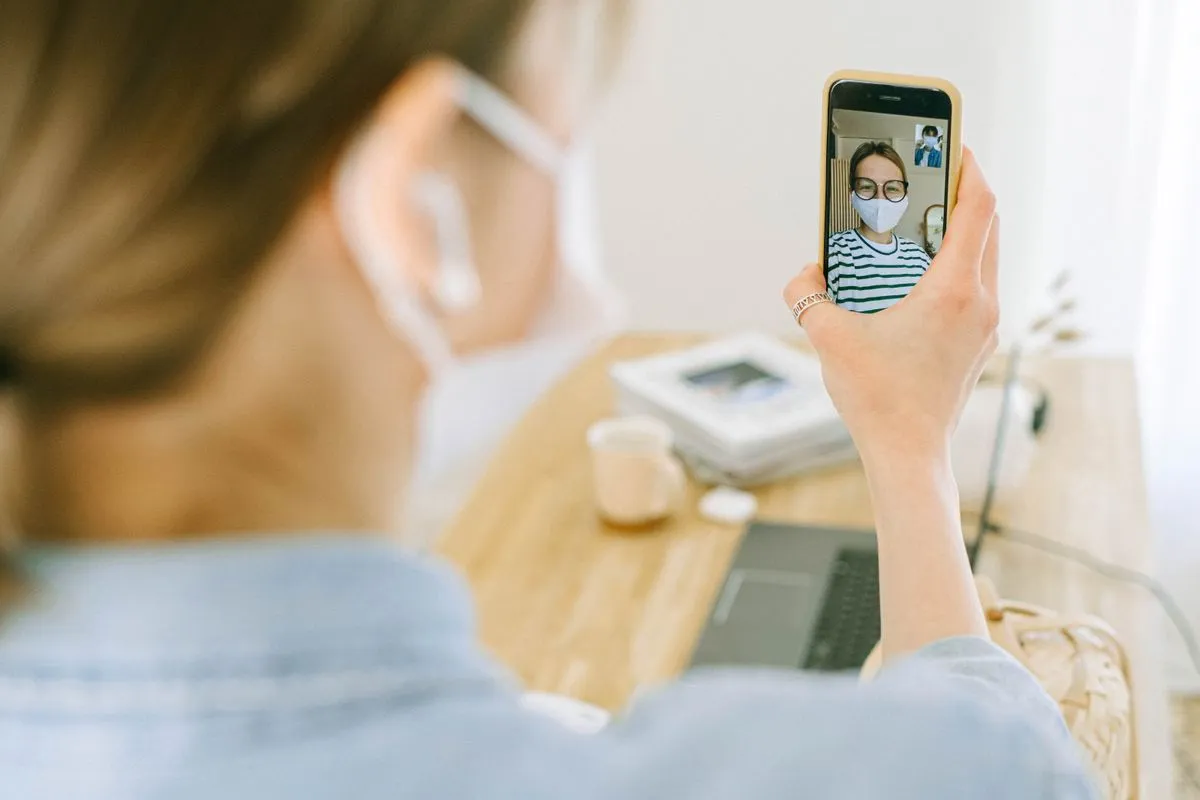
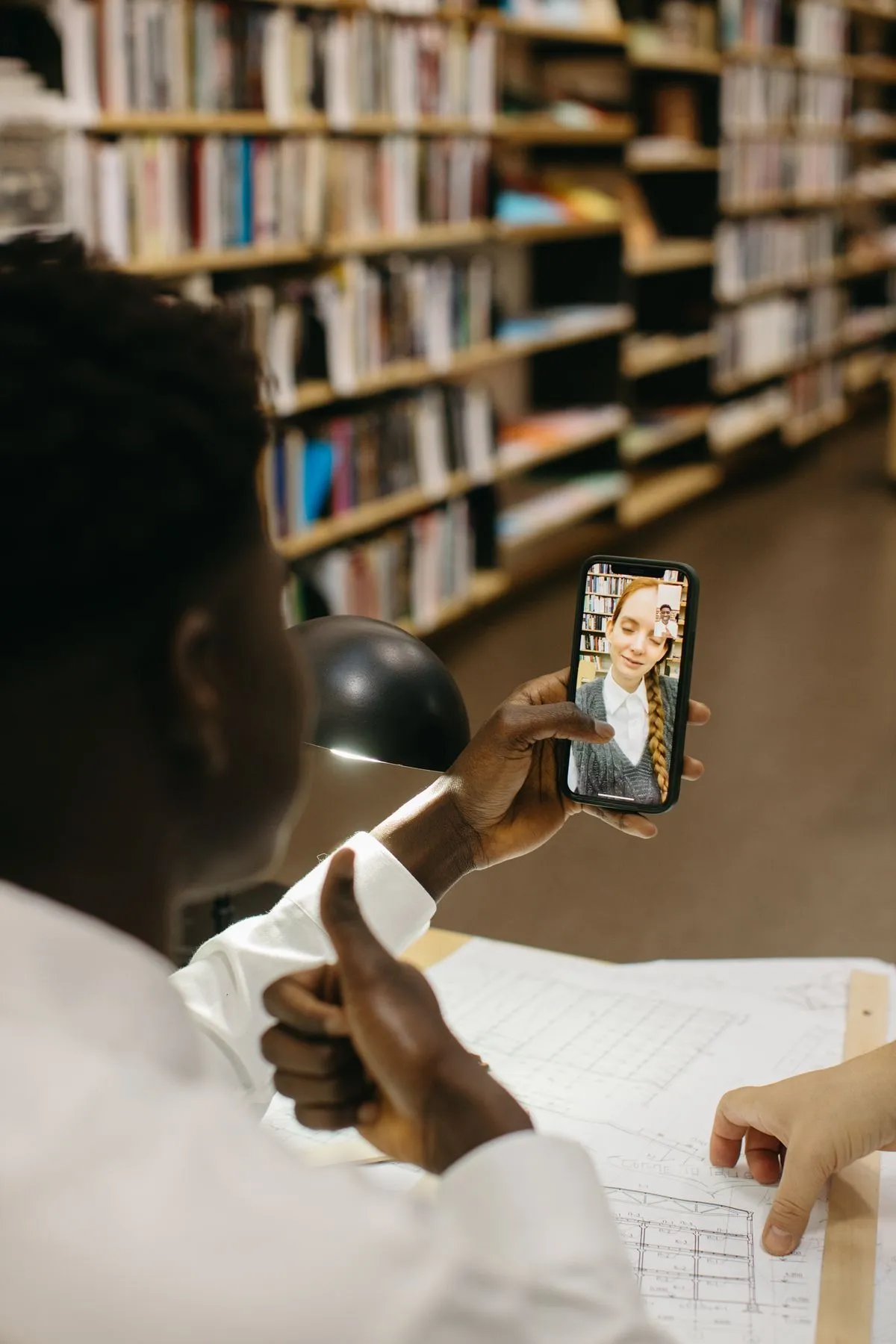
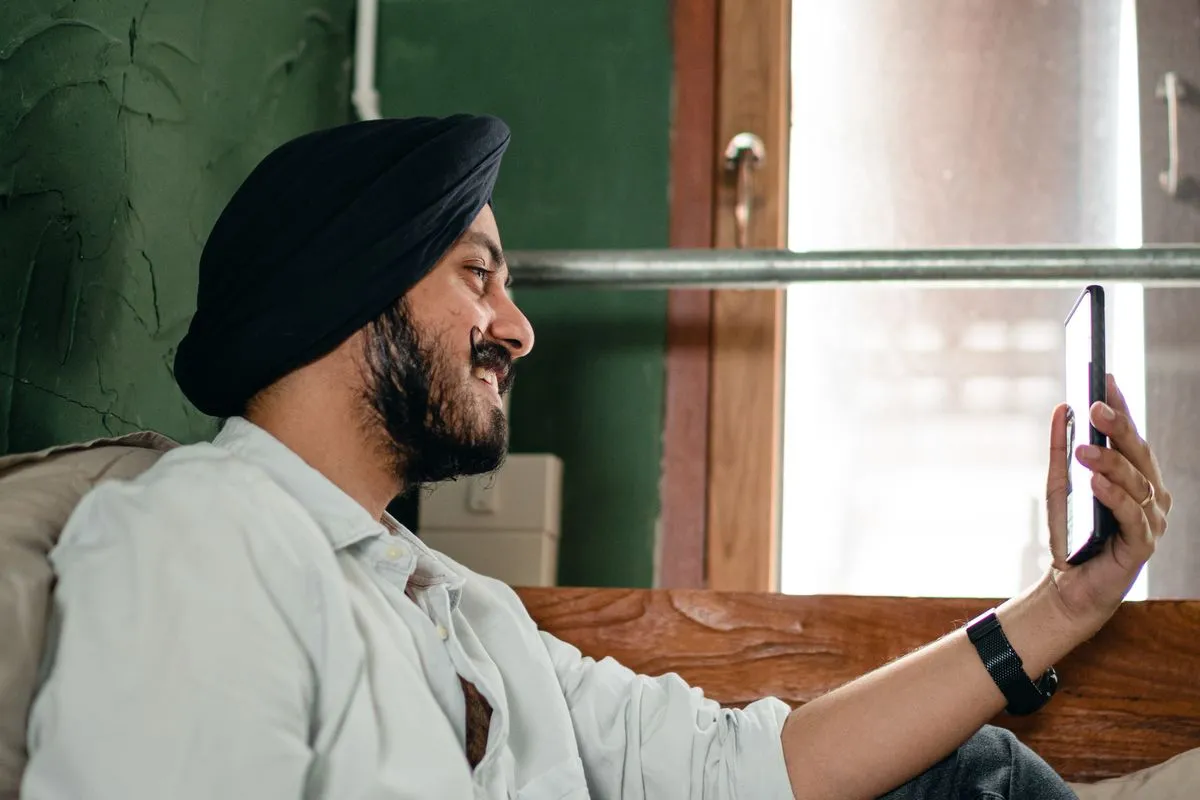
A voice or video prompt can add something text misses. Keep it short, easy to understand, and specific enough to give someone a natural way to respond.
What spoken prompts add to a profile
Text can tell a reader what you like. Voice and video add rhythm, warmth, humor, or the way you tell a small story. Those details help when the recording still feels like an invitation. A polished performance may say less than an ordinary sentence in your real voice.
Choose the format that gives you enough control to feel comfortable. If video makes you self-conscious, a voice note or written answer may show more of you. If your environment is noisy or your voice is sensitive information, skip the recording.
- Voice can show pace, tone, and a sense of humor
- Video can add expression and a current visual context
- Text gives you more time to edit and control disclosure
- None of the formats can prove kindness, compatibility, or safety
Three easy angles for a recording
Pick one subject you can talk about without writing a full script.
A current obsession
“I am learning to make proper ramen”
Add the detail that makes it yours, such as what keeps going wrong, who taught you, or what you want to try next.
A tiny ritual
“My ideal Sunday starts quietly”
Describe a sequence someone can picture, such as coffee, a walk, a market, a book, or a call with family.
A playful disagreement
“I will defend breakfast for dinner”
Make the joke clear and kind. You are giving the other person a low-pressure way to answer.
A calm recording workflow
Choose one prompt
Do not try to cover your intentions, hobbies, values, and sense of humor in one clip. One clear idea is easier to hear and easier to answer.
Write three anchor words
Use them as a map, not a script. For “favorite local place”, your anchors might be “quiet”, “dumplings”, and “Sunday morning”.
Set a simple frame
Face a window or soft light, keep your face recognizable, and remove private documents, addresses, or other people from the background.
Record two takes
Use the version that sounds most like you. A small laugh or correction can make a clip feel more natural.
Check the disclosure
Listen once for names, workplace details, locations, or anything you would not want a stranger to save. Keep the recording within the boundaries of your profile.
Publish and stop editing
If you keep retaking the clip, you may be trying to remove normal uncertainty. Let the prompt do its small job and move on.
Accessibility matters: captions, clear speech, and a written alternative can make your profile easier to engage with.
Pick the medium that serves the message
Voice or video works well when
- The story is easier to tell than to explain
- Your tone adds useful context
- You can record in a private, calm setting
- You are comfortable with the extra visibility
Text works better when
- The topic needs careful wording
- You want more control over personal disclosure
- Your environment is noisy or inaccessible
- The recording would feel like a performance
Questions people ask
How long should a voice or video prompt be?
Short enough to understand in one sitting and focused on one idea. A useful test is whether a person can respond without needing to take notes or wait for the point to arrive.
What if I dislike my voice or appearance on camera?
You do not have to use the format. Try one private practice recording, choose a written prompt, or use a photo and caption that show the same part of your personality with less exposure.
Can a recording replace a video call before meeting?
No. A profile clip is edited and one-way. A live call, if you choose one, is a separate step with its own consent, privacy, and safety boundaries.
A spoken prompt gives someone one small, honest detail to respond to. That is enough.